




Madden 27 Passing Guide – Best Passing Type, Controls, & More
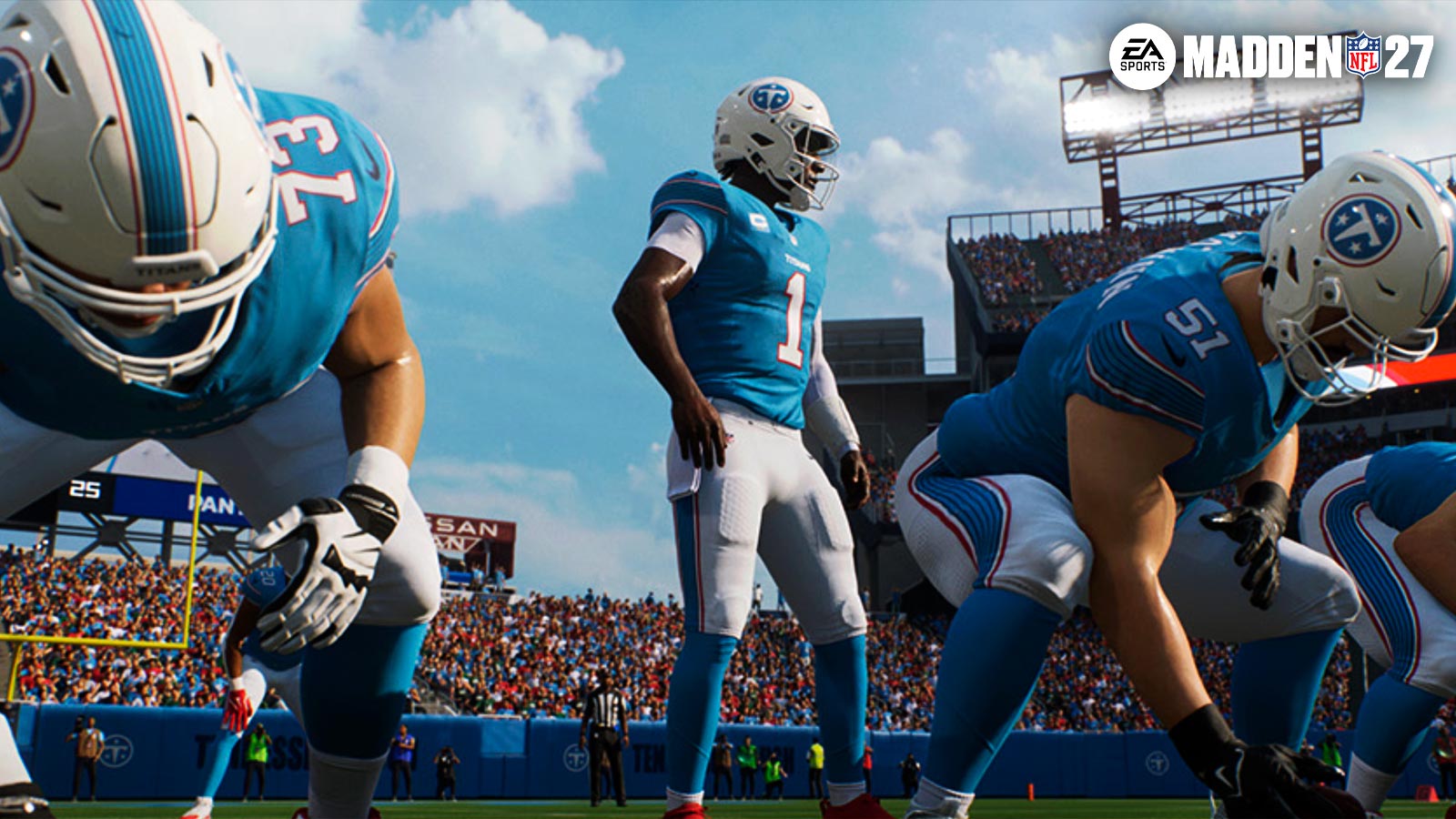
In this Madden 27 Passing guide, we’ll show you all the different passing types and which ones are the best to use. Overall, Madden 27 features multiple passing types to choose from which you’ll recognize from previous entries. Additionally, we’ll go over controls, hot routes, and more to familiarize you with the system.
All Passing Types in Madden 27 Explained
Madden 27’s Passing Types include:
- Classic
- Placement
- Placement & Accuracy
- Revamped Passing
Firstly, the Classic Passing type in Madden 27 features a more traditional experience from old Madden titles. It does not rely on any gimmicks or timed button presses. Instead, your player’s ratings decide your accuracy and power. You can still use the Left Stick (LS) to influence your pass’ direction, or throw different kinds of passes.
The Placement Passing Type emphasizes the importance of power on each throw. Your ratings still determine your accuracy, but is preferable for those who prefer power instead.
Placement & Accuracy works like the Placement, but adds more emphasis on accuracy. Now, your accuracy depends more on the timing of your pass and the aiming of your stick. Overall, it’s not as easy to learn, but provides more control over each pass.
Lastly, Revamped Passing is the most complex Passing Type. Overall, this system uses a power meter to determine your throw’s power. You can sacrifice power to rely on accuracy, or hit that perfect pass depending on your release.
Like EA College Football, the system uses three different meters to indicate the performance of your pass. A player can still catch a pass even if your throw wasn’t perfectly timed. Likewise, a player can still drop a pass, even if it was perfectly thrown. However, mastering this system provides you with more control over each throw.
What’s The Best Passing Type in Madden 27?
Overall, we recommend either the Placement & Accuracy, Revamped, or Classic Passing Type in Madden 27.
Because of the new catching meter, Placement & Accuracy seems much better this year than in previous entries. It’s essentially a better version of Placement, which solely focuses on power.
Revamped Passing is good for new players who like visual cues on each throw. But with the new catching meter, you may feel overwhelmed with all the time-based mechanics needed for just one pass. Therefore, we recommend using Placement & Accuracy if you like the new catching meter.
But for old-school Madden players such as myself, Classic still feels great. It’s very simple to use and you still have plenty of control over your throws. However, we encourage everyone to experiment to find the right pass type for them.
Madden 27 Passing Controls for Xbox & PlayStation
Here are the controls for both PlayStation & Xbox Players on how to perform specific types of passes in Madden 27:
| Action | PlayStation | Xbox |
| Throw Receiver 1 | X | A |
| Throw Receiver 2 | O | B |
| Throw Receiver 3 | Square | X |
| Throw Receiver 4 | Triangle | Y |
| Throw Receiver 5 | R1 | RB |
| Scramble | L3+R2 | LS+RT |
| Throw Ball Away | R3 | RS |
| Lob Pass | Tap receiver icon | Tap receiver icon |
| Bullet Pass | Hold receiver icon | Hold receiver icon |
| Touch Pass | Press & Release Receiver Icon | Press & Release Receiver Icon |
| High Pass | Hold L1 when throwing | Hold LB when throwing |
| Free Form (Placement) | L2 | LT |
| Pump Fake | Double Tap Receiver Icon | Double Tap Receiver Icon |
| Pass Leading | L3 | LS |
| Fake Snap | R1 | RB |
- To Call an Audible – Press Square/X to see a list of plays (Use D-Pad to switch between different formations)
- To open up the Pre-Play menu – press R3/RS before the play begins
- To open up your Subs menu – Press up on the D-Pad
- Cycle Camera Angle – Press Down on the D-Pad
- Motion Player – Hold LS
- Call Timeout – Touch Pad (PS), View (Xbox)
- View Play Art – Hold L2/LT
Like Madden NFL, you can dictate what kind of pass you throw depending on your button press. Tap the button to lob the ball, or hold it longer for a bullet pass. Standard button presses result in normal, or touch passes.
Hot Routes, Custom Stems, & Pass Protections – College Football 27 Passing Guide
Madden 27 gives passers a lot of control with pass protections, hot routes and custom stems for you to use. But how exactly do you set them up?
To set up a pass protection in Madden 27, open your press L1/LB. This opens up a blocking menu to provide you with several ways to set up your offensive line the way you want.
To set up a Custom Stem your your WR, press Triangle/Y, followed by the button of your receiver’s icon. For example, if your receiver is O/B, press Triangle/Y, then O/B. Then press L1 to create a custom stem for your receiver. Just watch out for the play clock as you do this, though.
Lastly, you can also customize each individual player’s routes as well. Just press Y/Triangle, your receiver’s icon, then use the Right stick or d-pad to select a different route for your receiver. Want your #1 guy to go deep, or do you see a better opportunity if he goes for slant? Either way, you have so much control over how your play goes.
Overall, that wraps up our Madden 27 Passing Guide. We hope this guide helped you find the passing type that works best for you. Best of luck picking secondaries apart as your QB aims to earn the Heisman.
Lastly, for more gaming and NFL news, visit ClutchPoints. Furthermore, subscribe to our gaming newsletter for more weekly info. Lastly.
The post Madden 27 Passing Guide – Best Passing Type, Controls, & More appeared first on ClutchPoints.
What's Your Reaction?
 Like
0
Like
0
 Dislike
0
Dislike
0
 Love
0
Love
0
 Funny
0
Funny
0
 Angry
0
Angry
0
 Sad
0
Sad
0
 Wow
0
Wow
0