






















How Do You Link Pokémon HOME to Pokémon Champions?
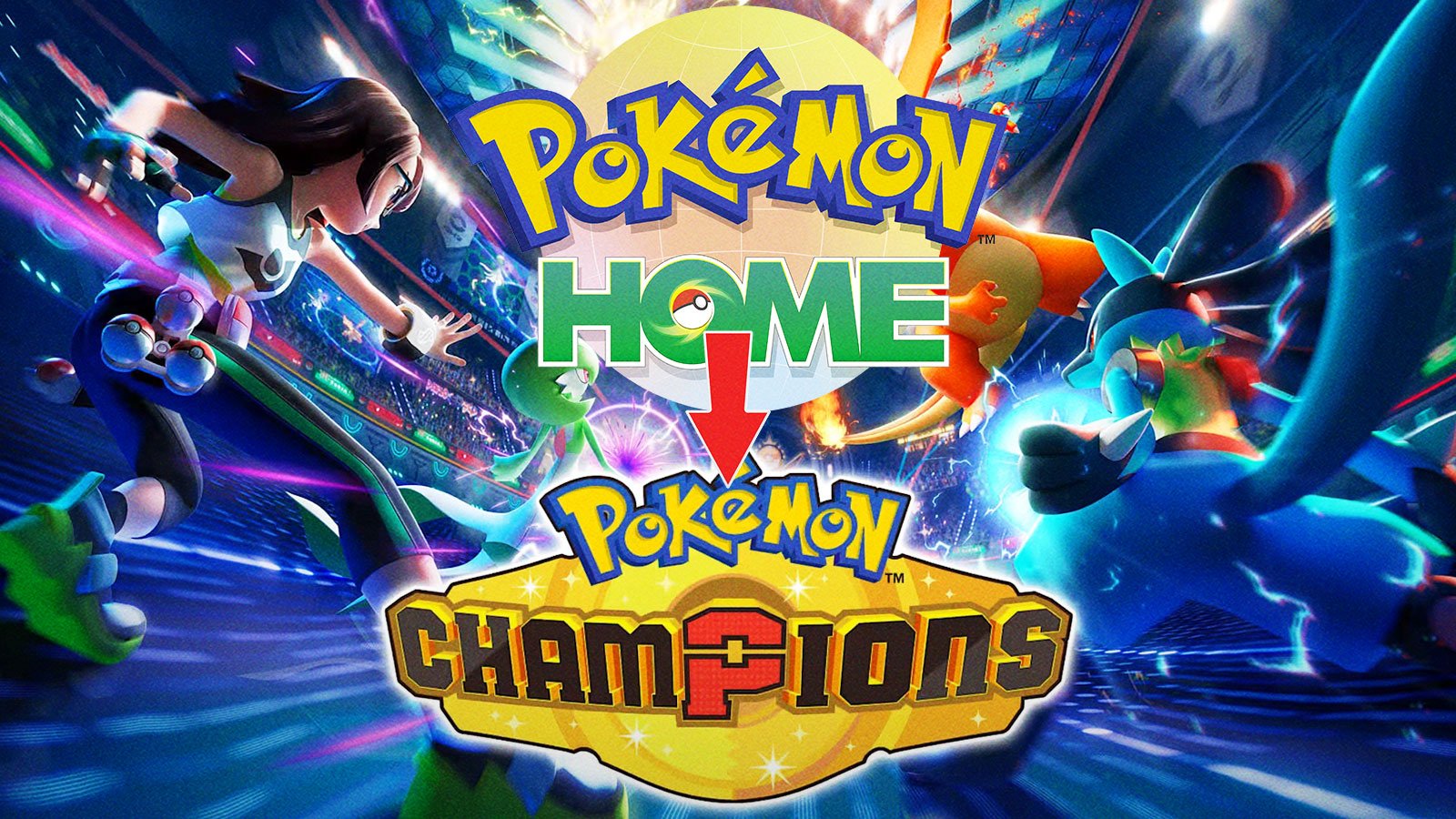
In Pokémon Champions, players can link their Pokémon HOME account and transfer their monsters in between each game. However, not everybody knows about this feature, or how to do it. Therefore, we created a step-by-step process on how to link the two accounts so you can transfer your Pokémon. Without further ado, let’s dive right in.
How to Link Pokémon HOME to Pokémon Champions
To Link your Pokémon HOME account to Pokémon Champions, you need to:
- Download both Pokémon HOME and Pokémon Champions
- Log into Pokémon HOME on your Nintendo Switch/Nintendo Switch 2/Mobile Device
- Select the “Pokémon Champions” icon on the bottom right side of the screen
- Confirm the account information is correct (Trainer ID and Trainer Name)
- Transfer your eligible Pokémon
Overall, the process of transferring Pokémon from HOME to Champions is simple (and free).
Obviously, you need to have both Pokémon HOME and Pokémon Champions downloaded. The former is available on Nintendo Switch/Switch 2, and iOS and Android devices. Pokémon Champions is available on Switch 1 and 2, and both products are free to download.
While Pokémon HOME offers a paid subscription, you technically do not need to pay anything to use the service. Of course, paid memberships come with more benefits, such as more storage and enhanced trading. But for the purpose of this guide, you may not need to spend a single dime.
Once you downloaded both titles, log into HOME on whatever device you prefer. Once logged in, select the “Pokémon Champions” logo on the bottom right corner of the screen. Before you transfer your pocket monsters, the game asks you to confirm your Trainer Name and ID. Please do so in order to ensure that you have a stress-free transfer experience.
Once you do that, you can then transfer your Pokémon over. However, keep in mind certain restrictions when transferring. Firstly, you may only transfer Pokémon that are actually in Pokémon Champions. For example, Magneton is not in Champions, and therefore cannot be transferred into the game. Additionally, when your Pokémon visits Champions, you may NOT
- Send it from your boxes to other games
- Release it from your box
- Apply Markings
Overall, that includes everything you need to know to link your Pokémon HOME to Pokémon Champions. We hope this guide helps you understand the process. Best of luck transferring your favorite monsters as you climb up the ranked ladders.
For more gaming news, visit ClutchPoints. Lastly, subscribe to our Gaming Newsletter for weekly gaming info.
The post How Do You Link Pokémon HOME to Pokémon Champions? appeared first on ClutchPoints.
What's Your Reaction?
 Like
0
Like
0
 Dislike
0
Dislike
0
 Love
0
Love
0
 Funny
0
Funny
0
 Angry
0
Angry
0
 Sad
0
Sad
0
 Wow
0
Wow
0